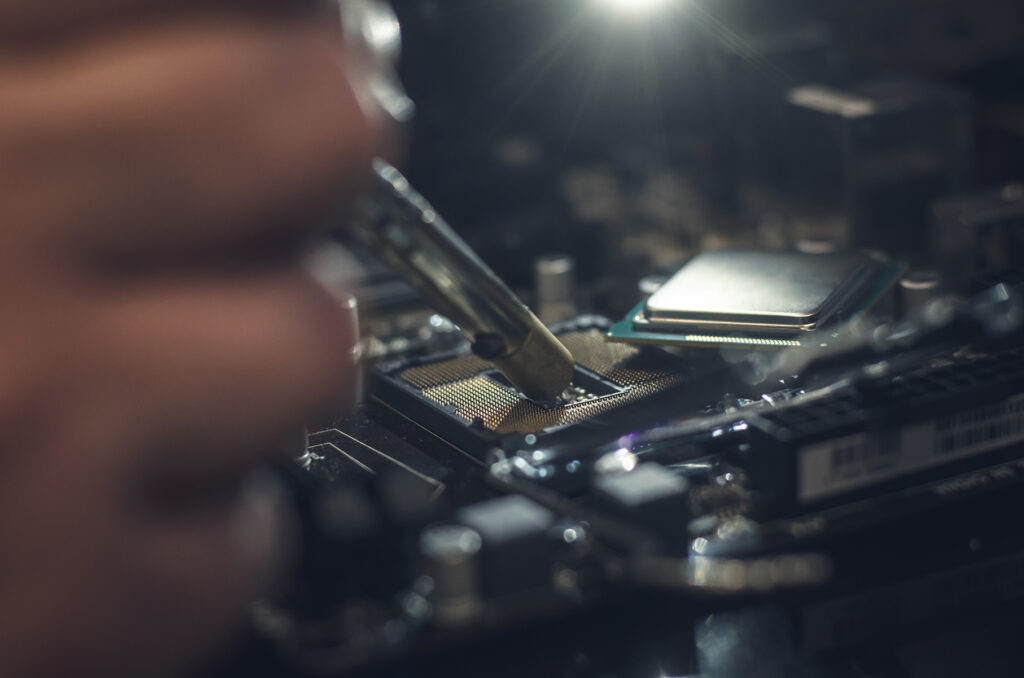
Computers play an essential role in everyday life, whether it’s for work, studying, or staying connected with friends and family. However, no computer lasts forever. Over time, performance can decline, or faults can develop, leaving many people asking the same question: Should I repair my computer or buy a new one?
The right answer depends on several factors, including the age of your PC, the type of problem you’re experiencing, and how you use your device. In many cases, a professional repair can be a practical and cost-effective alternative to replacement.
Is Buying A New Computer Worth It?
Buying a new computer or carrying out PC upgrades can be appealing, especially if your current device feels outdated or struggles to keep up with modern software. New computers come with faster processors, improved security features, and better energy efficiency. However, they also come with a higher price tag, often costing hundreds of pounds.
If you regularly use demanding programs or need the latest technology, replacing your PC may be the right choice. On the other hand, if your computer still meets your daily needs and the issue is limited to a specific fault, repairing it can often restore performance without the expense of buying new.
Signs Your Computer May Be Near the End of Its Life
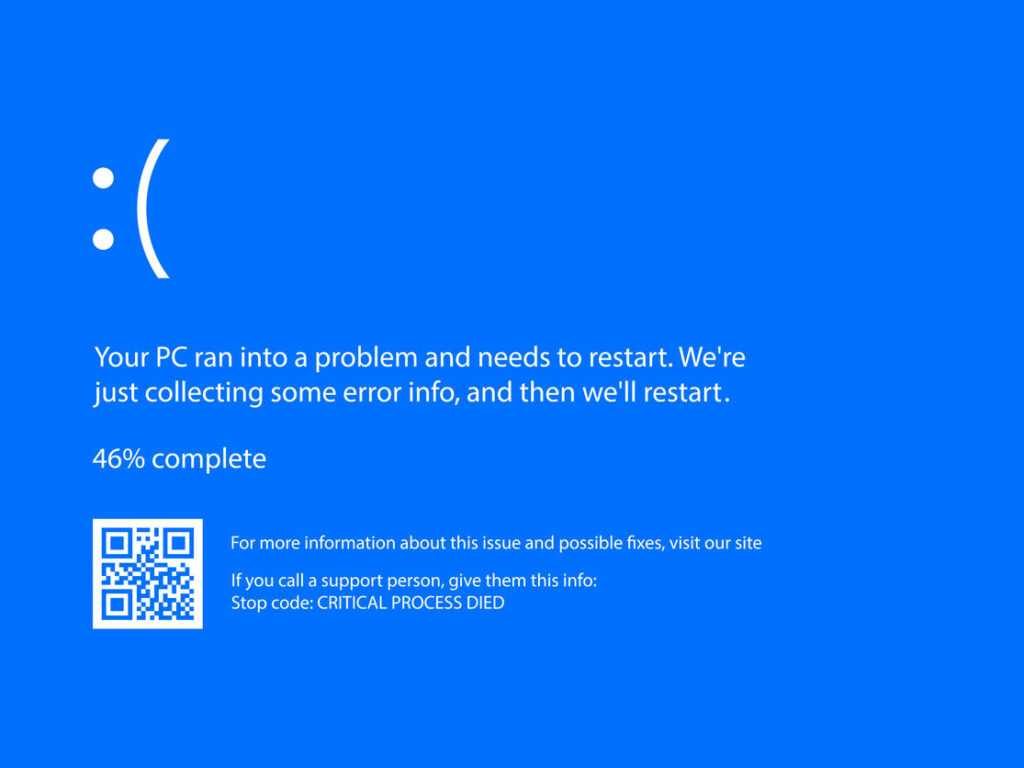
Desktop PCs typically last between five and eight years, but problems can arise at any stage. One of the most noticeable warning signs is repeated overheating, especially during simple tasks. This can indicate issues with internal fans or airflow. Excessive fan noise is another common indicator that something isn’t working as it should.
Frequent error messages, unexplained data loss, or increasingly slow performance can also suggest deeper hardware or software problems. While these issues don’t always mean your computer is beyond repair, they are strong indicators that professional attention is needed to prevent further damage.
When Does Repair Make More Sense Than Replacement?
In many situations, repairing your computer is the more sensible option. If your PC is only a few years old, replacing a faulty component or resolving software issues can significantly extend its lifespan. Common repairs such as hard drive replacements, cooling system fixes, or operating system repairs are usually far cheaper than purchasing a new machine.
Repairing your computer can also be a faster solution, particularly when parts are readily available. Rather than spending time setting up a new device and transferring data, a repair allows you to continue using a familiar system with minimal disruption.
Why a Professional Diagnosis Is Important
When your computer starts to show signs of failure, guessing the cause can be costly. A professional repair shop can accurately diagnose the issue and advise whether a repair is worthwhile. Some problems may appear serious but turn out to be relatively simple to fix, while others may require more extensive work.
Professional technicians have the experience and tools needed to deal with issues such as malware infections, failing hard drives, broken screens, and operating system faults. Choosing a local Bristol repair shop often means quicker turnaround times and more personal service compared to larger national companies.
The Risks of DIY Computer Repairs
While it can be tempting to try fixing your computer yourself, DIY repairs often come with significant risks. Without proper knowledge, it’s easy to damage delicate components or make the problem worse. Incorrect handling can result in permanent data loss or create new faults that were not originally present.
There are also security concerns to consider. Attempting repairs without fully understanding the system can leave your computer vulnerable to viruses, malware, or hacking. For most users, seeking professional help is the safest and most effective option.
How to Extend the Life of Your Computer After Repair
Once your computer has been repaired, regular maintenance can help prevent future issues. Keeping your device clean and free from dust reduces the risk of overheating, while ensuring proper ventilation allows components to operate efficiently. Regular software updates and reliable antivirus protection also play an important role in keeping your system secure and running smoothly.
Managing storage space by removing unnecessary files and programs can improve performance and reduce strain on your system. Small habits like these can add years to your computer’s lifespan.

Considering Wait Times and Convenience
One factor that’s often overlooked when deciding between repair and replacement is time. Buying a new computer isn’t always instant. Delivery delays, stock shortages, and waiting for specific models can mean you’re without a working device for days or even weeks. Once the computer arrives, there’s also the time involved in setting it up, installing software, signing into accounts, and transferring files.
In comparison, many computer repairs can be completed far more quickly. Simple fixes such as replacing a faulty hard drive, repairing a cooling issue, or resolving software problems often require minimal downtime. Because you’re keeping your existing system, there’s no need to reinstall programs, reconfigure settings, or worry about data recovery in most cases. For people who rely on their computer for work or everyday tasks, a fast repair can be the most convenient solution.
Considering Wait Times and Convenience
One factor that’s often overlooked when deciding between repair and replacement is time. Buying a new computer isn’t always instant. Delivery delays, stock shortages, and waiting for specific models can mean you’re without a working device for days or even weeks. Once the computer arrives, there’s also the time involved in setting it up, installing software, signing into accounts, and transferring files.
In comparison, many computer repairs can be completed far more quickly. Simple fixes such as replacing a faulty hard drive, repairing a cooling issue, or resolving software problems often require minimal downtime. Because you’re keeping your existing system, there’s no need to reinstall programs, reconfigure settings, or worry about data recovery in most cases. For people who rely on their computer for work or everyday tasks, a fast repair can be the most convenient solution.
Next Steps
We understand that the idea of paying for a computer diagnosis can be off-putting. That’s why PC Dial A Fix offers computer repairs in Bristol with a free diagnosis, so you know exactly what the problem is and how much it will cost before any work begins.
All replacement parts used are genuine and come with a one-year warranty for added peace of mind. If you’re unsure whether to repair your computer or replace it, contact PC Dial A Fix first and let our expert technicians help you make the right decision.